React Project
React Image Editor - Ehan Siddique
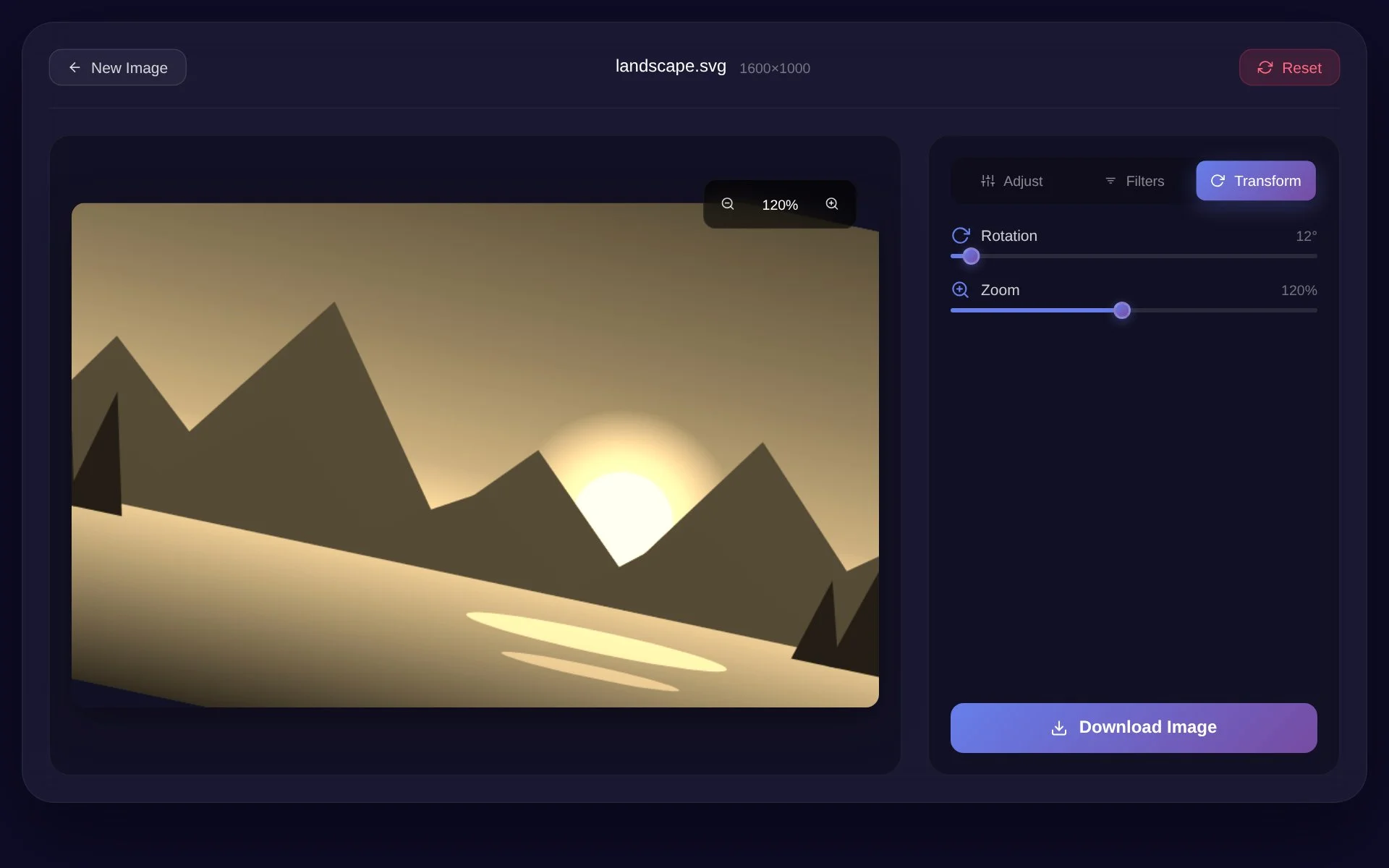
A browser-based React Image Editor built with React 19 and HTML5 Canvas featuring real-time image adjustments, filters, rotation, zoom, responsive controls, and image export.
Built by Ehan Siddique ·
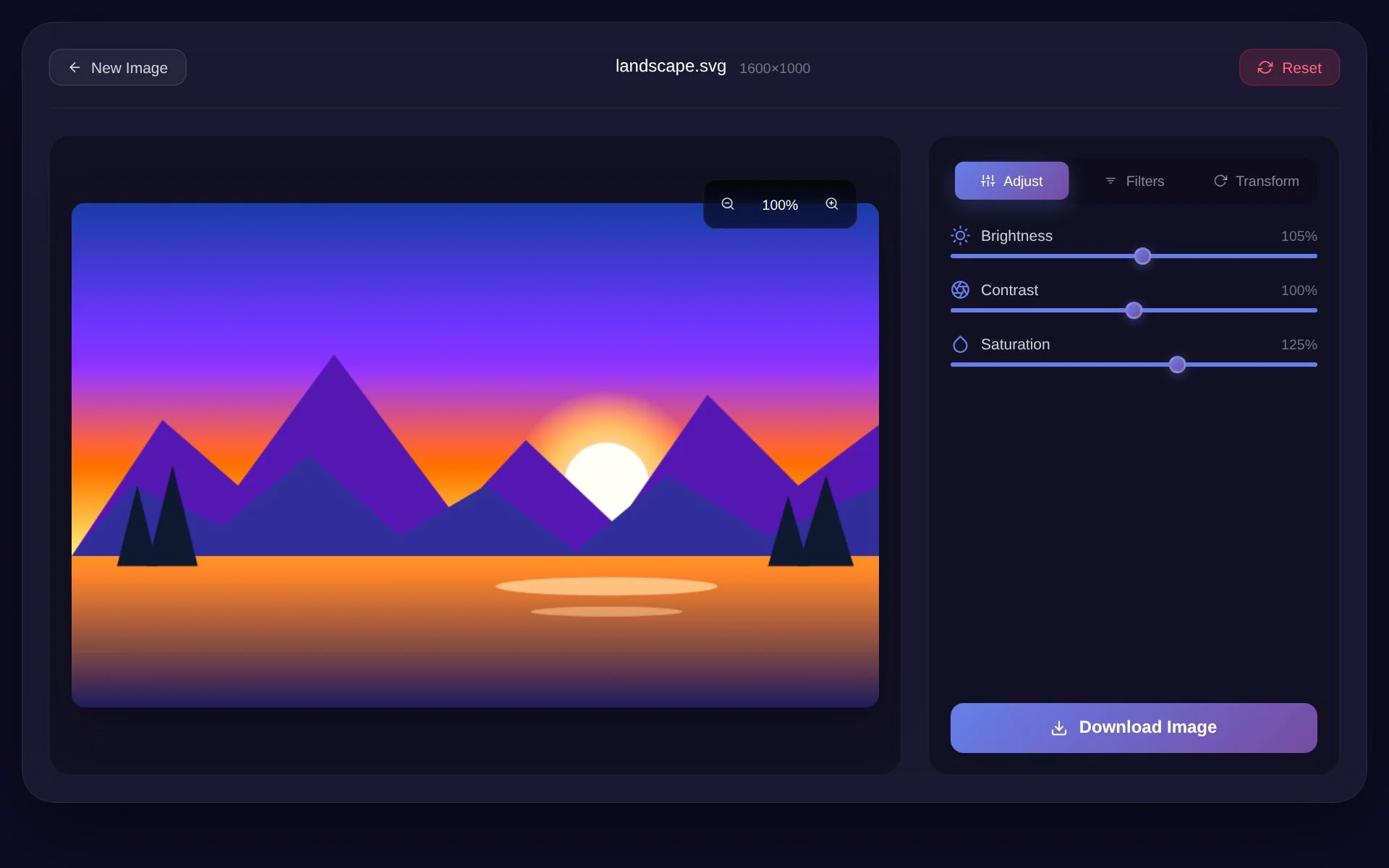
Project Overview
React Image Editor is a browser-based image editing application I built using React 19, JavaScript, HTML5 Canvas API, CSS3, and Framer Motion.
The main goal of this project was to create a lightweight online image editor where users can upload an image, make visual adjustments, apply filters, transform the image, preview changes in real time, and download the edited result directly from the browser.
Instead of depending on a large image-processing service, the application uses the browser’s Canvas API to handle image rendering and much of the editing logic.
This project also helped me work more deeply with React concepts such as custom hooks, reusable components, refs, state management, callbacks, and real-time UI updates.
Why I Built This Project
I wanted to build something more interactive than a normal website or dashboard.
An image editor was a good challenge because it required several different parts of front-end development to work together at the same time.
The application needed to handle image uploads, process files inside the browser, update multiple editing controls, render the result immediately, and allow users to export the edited image.
It also gave me a chance to understand how React can work together with native browser APIs instead of relying entirely on third-party libraries.
Image Upload and Processing
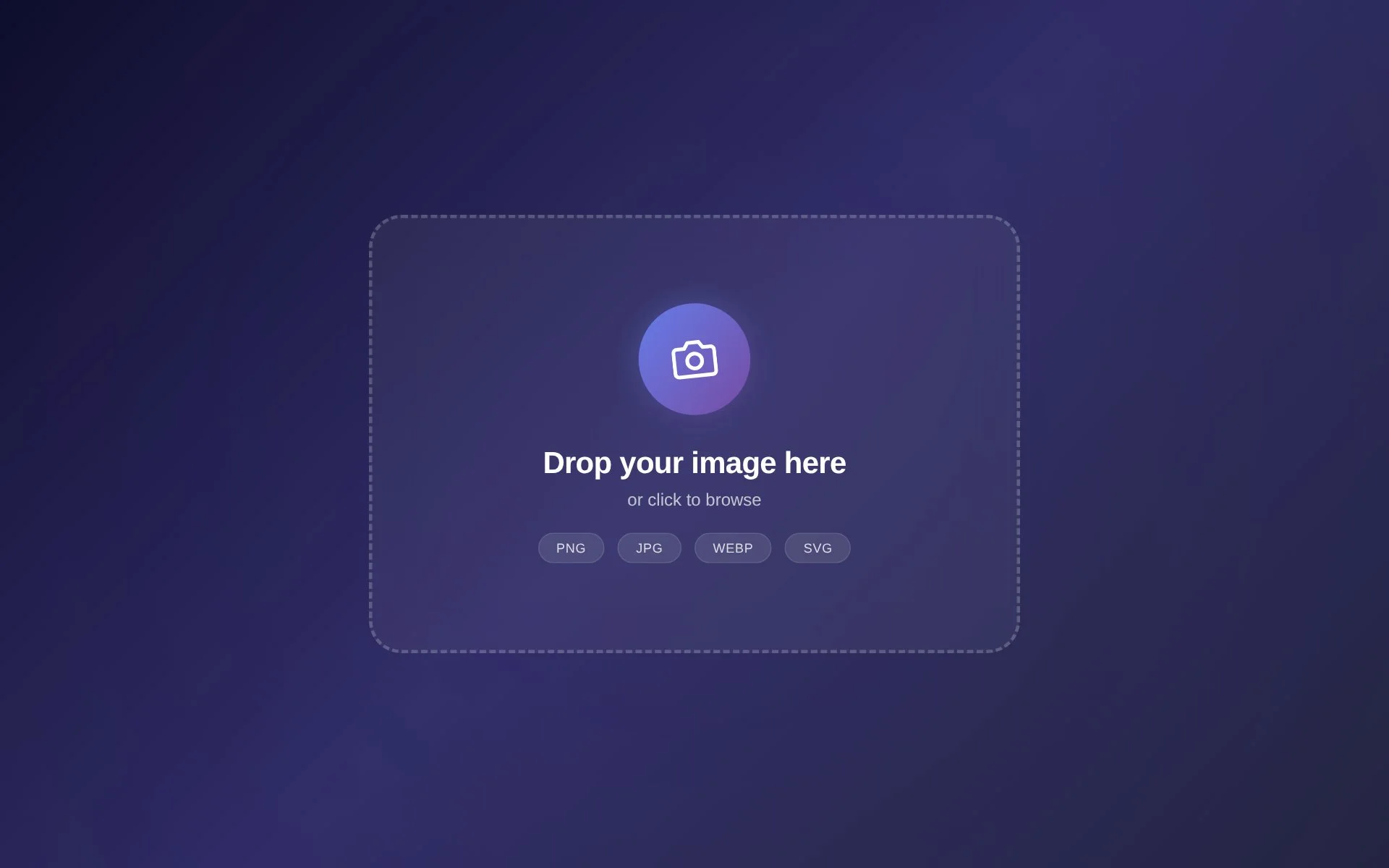
Users can upload an image by selecting a file or using the drag-and-drop interface.
Once an image is selected, JavaScript reads the file using the FileReader API and loads it into the editor.
The image is then rendered inside an HTML5 canvas where the application can apply different transformations and adjustments.
The editor supports common image formats such as PNG, JPG, WEBP, and SVG.
Real-Time Image Adjustments
The editor allows users to modify several important image properties.
Users can adjust:
- Brightness
- Contrast
- Saturation
These changes are applied directly to the image data inside the canvas.
Instead of only placing visual CSS effects on top of the image, the application works with pixel data to modify RGB values based on the selected adjustment.
This gave me a better understanding of how digital image processing works at a lower level.
Filters
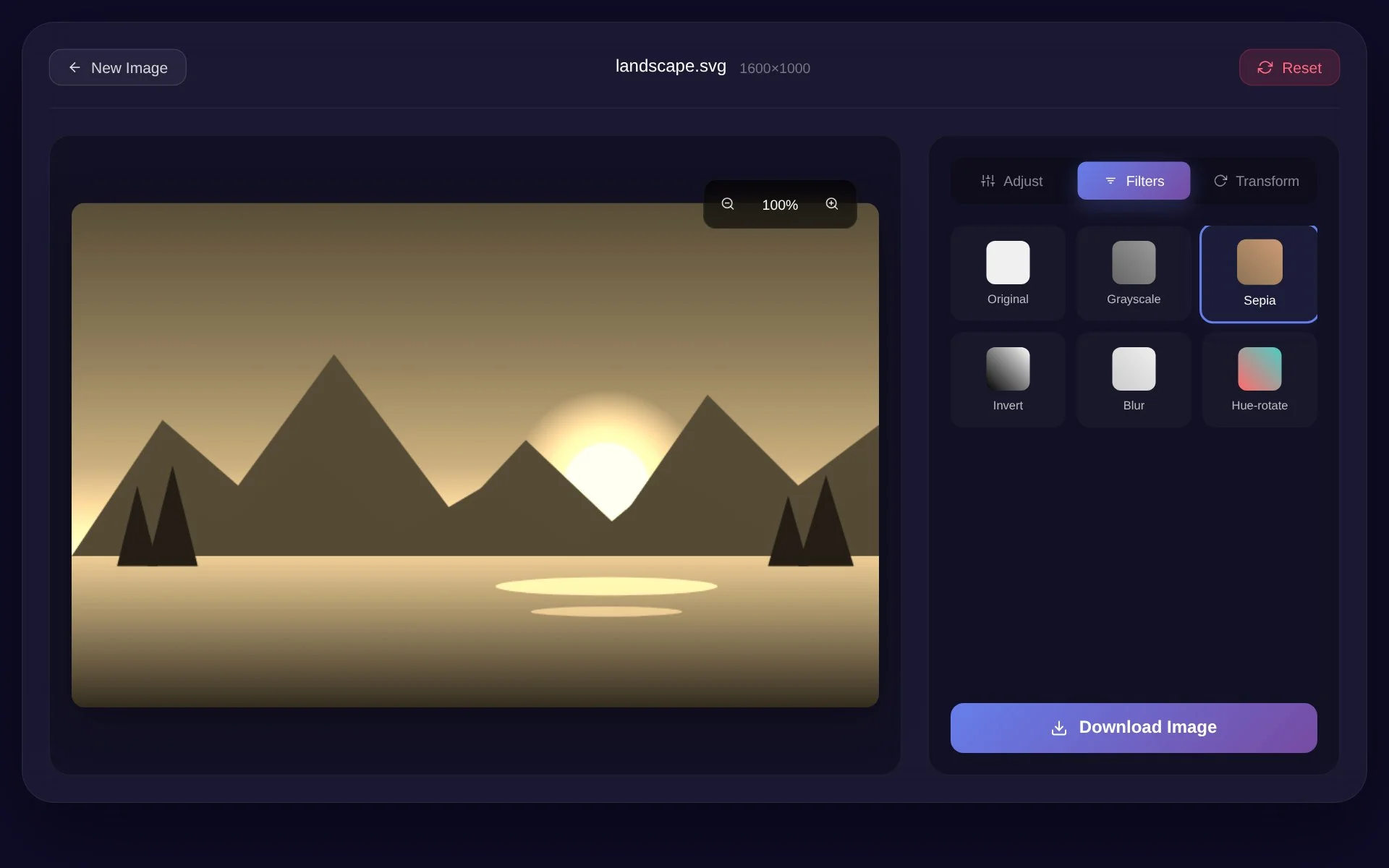
The React Image Editor includes several quick image filters that users can apply with a single click.
The available effects include:
- Grayscale
- Sepia
- Invert
- Blur
- Hue Rotate
These filters make it easy to experiment with different visual styles without needing desktop image-editing software.
Rotation and Zoom
The application also includes image transformation controls.
Users can rotate an uploaded image from 0 to 360 degrees.
Zoom can be adjusted between approximately 50% and 200%, giving users more control over how the image is displayed inside the editor.
The Canvas API is used to translate, rotate, scale, and redraw the image while keeping the editor responsive.
HTML5 Canvas API
One of the main technical parts of this project is the use of the HTML5 Canvas API.
The canvas acts as the main editing surface.
The application uses it to:
- Draw uploaded images
- Maintain image proportions
- Apply rotation
- Apply zoom
- Read pixel data
- Modify brightness
- Modify contrast
- Modify saturation
- Generate downloadable image output
Working with Canvas helped me understand how browser-based creative tools can manipulate images without needing a backend image-processing service.
Custom React Hook
I separated most of the image editing logic into a custom React hook called:
useImageEditor
This hook manages the main state of the application, including:
- Uploaded image
- Original image
- Brightness
- Contrast
- Saturation
- Rotation
- Zoom
- Selected filter
- Active control tab
- Loading state
- Drag state
- Image filename
It also contains the main actions for uploading, editing, resetting, downloading, zooming, and clearing an image.
Keeping this logic inside a custom hook helped make the UI components cleaner and easier to maintain.
Component-Based Structure
The React Image Editor is divided into reusable components instead of placing everything inside one large file.
Some of the main components include:
Upload Screen
Handles the first upload interface and drag-and-drop experience.
Editor Header
Contains the main editor actions and controls.
Canvas Area
Displays the uploaded image and current editing result.
Controls Panel
Organizes the different editing tools.
Adjustment Controls
Handles brightness, contrast, and saturation settings.
Filter Controls
Displays the available image effects.
Transform Controls
Handles rotation and zoom functionality.
This component-based structure makes the application easier to expand with new tools in the future.
Reset and Clear Controls
Users can reset the current editing settings without uploading the image again.
Resetting restores the image settings back to their defaults, including:
- Brightness: 100%
- Contrast: 100%
- Saturation: 100%
- Rotation: 0°
- Zoom: 100%
- Filter: None
Users can also completely clear the current image and upload a new one.
Image Download
After editing an image, users can download the result directly from the browser.
The application creates the exported image from the canvas and generates a downloadable file for the user.
This makes the entire editing experience browser-based, from uploading the original image to exporting the final result.
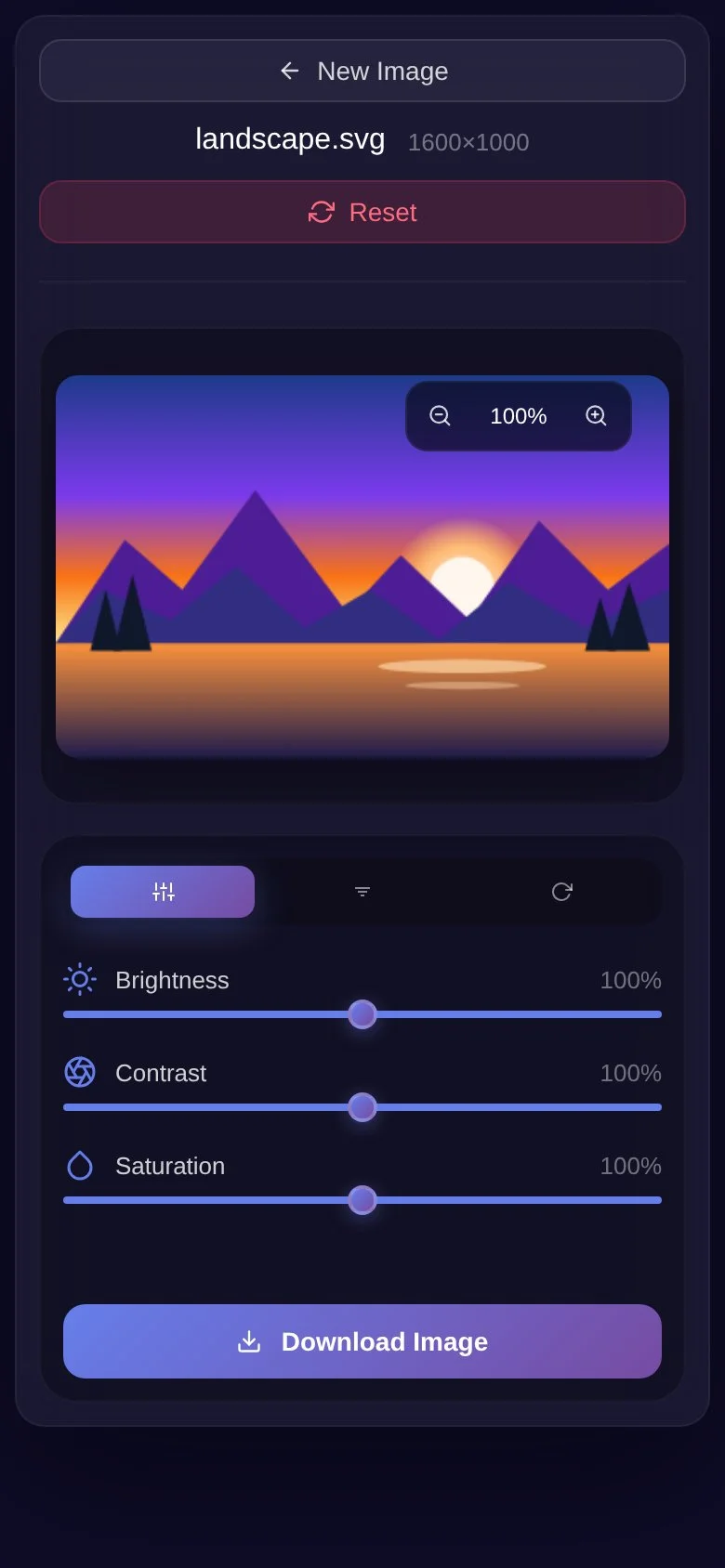
Responsive User Interface
I designed the image editor to work across different screen sizes.
The interface is responsive for:
- Desktop
- Laptop
- Tablet
- Mobile
This was especially important because image editing interfaces contain many controls, and they need to remain usable even on smaller displays.
Modern UI Design
The React Image Editor uses a modern dark-themed interface.
The design includes:
- Dark UI
- Glassmorphism-inspired elements
- Smooth animations
- Modern icons
- Responsive control panels
- Interactive buttons
- Clean editing workspace
Framer Motion is used to make different interactions and UI transitions feel smoother.
Technologies Used
The main technologies used in this project are:
- React 19
- JavaScript
- HTML5 Canvas API
- CSS3
- Framer Motion
- Lucide React
- React Icons
What I Learned
This project helped me improve my understanding of both React and native browser APIs.
I gained more experience with:
- React state management
- Custom hooks
- Canvas rendering
- Pixel manipulation
- File handling
- Image transformations
- Browser APIs
- Responsive UI design
- Component-based architecture
- Real-time user interaction
It also showed me that React can be used for much more than dashboards, forms, or standard websites.
It can also power interactive browser-based creative tools.
Future Improvements
There are many features I could add to make the React Image Editor more powerful.
Some possible future improvements include:
- Image cropping
- Undo and redo
- Text overlays
- Drawing tools
- Shapes and stickers
- Flip horizontal and vertical
- Resize controls
- More export formats
- Image compression
- Background removal
- Before-and-after comparison
- Layer management
- AI-powered image enhancement
- Object removal
- Editing history
These features could eventually turn the project into a more complete online image editing platform.
Final Thoughts
The React Image Editor was a useful project because it combined modern React development with browser-level image processing.
Building it helped me work with real-time editing, Canvas APIs, image data, reusable components, and custom React hooks in one project.
It was also a good example of how a browser application can perform useful image editing tasks without requiring users to install any additional software.
Live Project
https://image-editor-ehan-siddique.vercel.app/
GitHub Repository
Screenshots
More projects
 Featured
Web App
Farmora — Farm to Door E-commerce Marketplace by Ehan Siddique
Farmora is a farm-to-door marketplace by Ehan Siddique with customer, farmer and admin roles, a live 3-day delivery tracker, a 10% commission model, Next.js, Firebase, Supabase and full SEO.
- Next.js
- Firebase
- React.js
- JavaScript
- UI/UX
 Featured
Web App
ChatLoop — Real-Time Chat Application by Ehan Siddique
ChatLoop is a real-time communication app by Ehan Siddique with messaging, voice notes, WebRTC calls, Gemini AI, Firebase, Supabase, and an admin dashboard.
- React.js
- Next.js
- Tailwind css
- HTML
- CSS
Vanilla Java Script
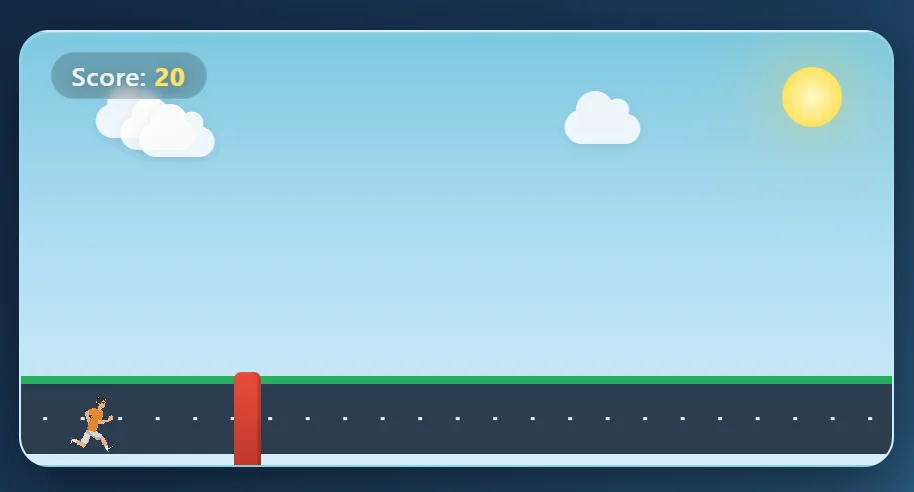
Runner Game – Interactive JavaScript Endless Runner Game
Runner Game is a lightweight browser-based endless runner game I built using HTML, CSS, and Vanilla JavaScript. The player must jump over moving obstacles while surviving as long as possible and building a higher score.
- HTML
- CSS
- Java Script